

Product Updates: March 19th, 2026
Last updated March 23, 2026

Better Debt Transaction Visibility
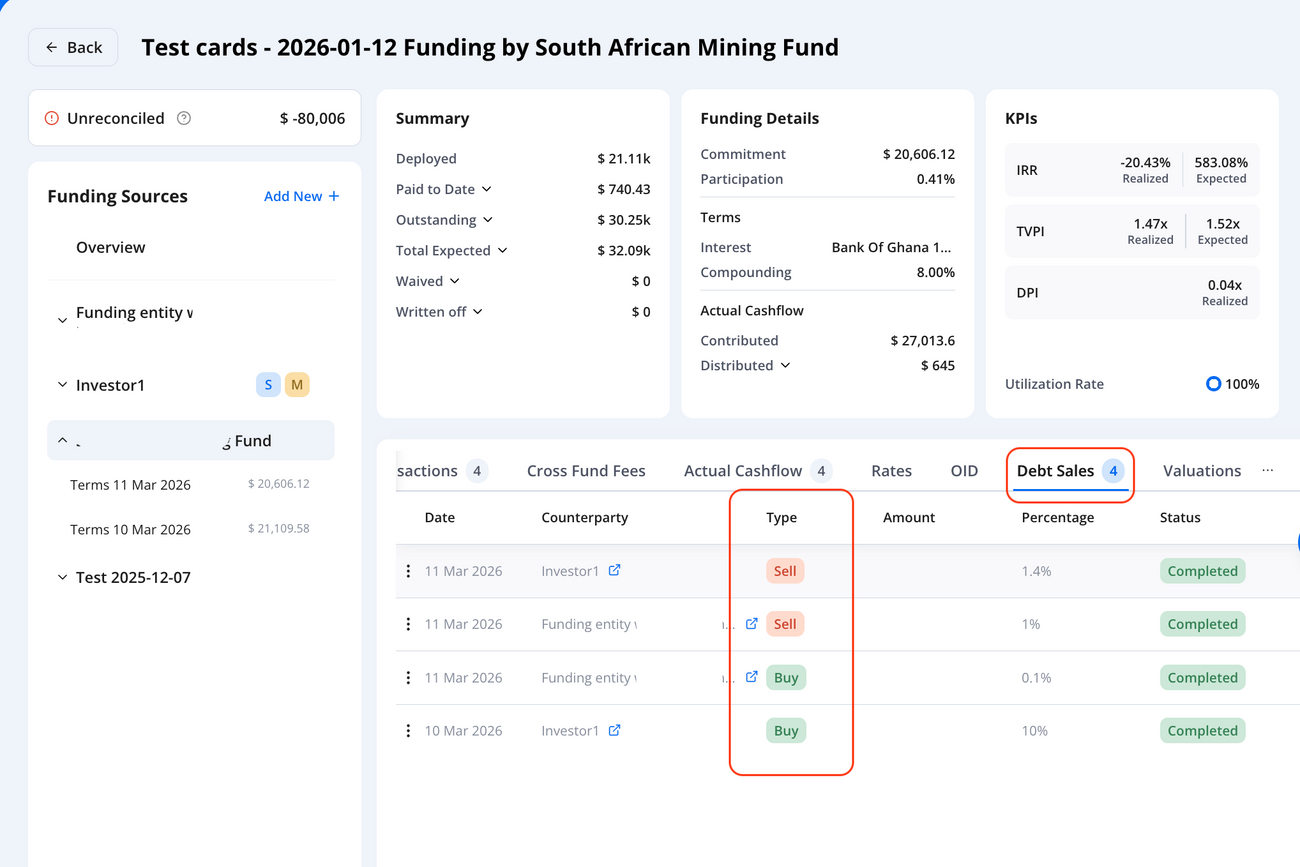
Funding sources now support both debt buy and debt sell in a single view. You can access full transaction details from either side - no need to navigate specifically to the seller.
More Clarity in Debt Sales
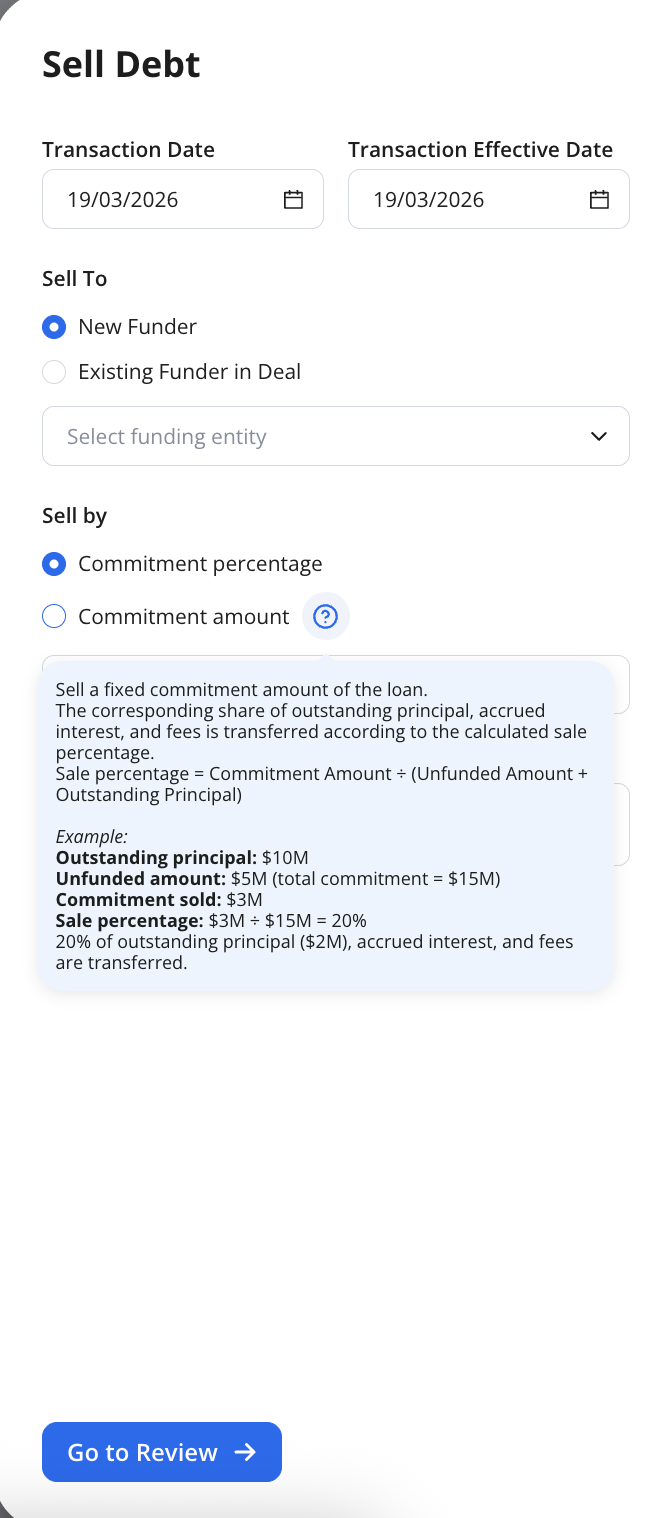
A new tooltip explains the difference between commitment amount and percentage sold, improving transparency.
Enhanced Bulk Actions
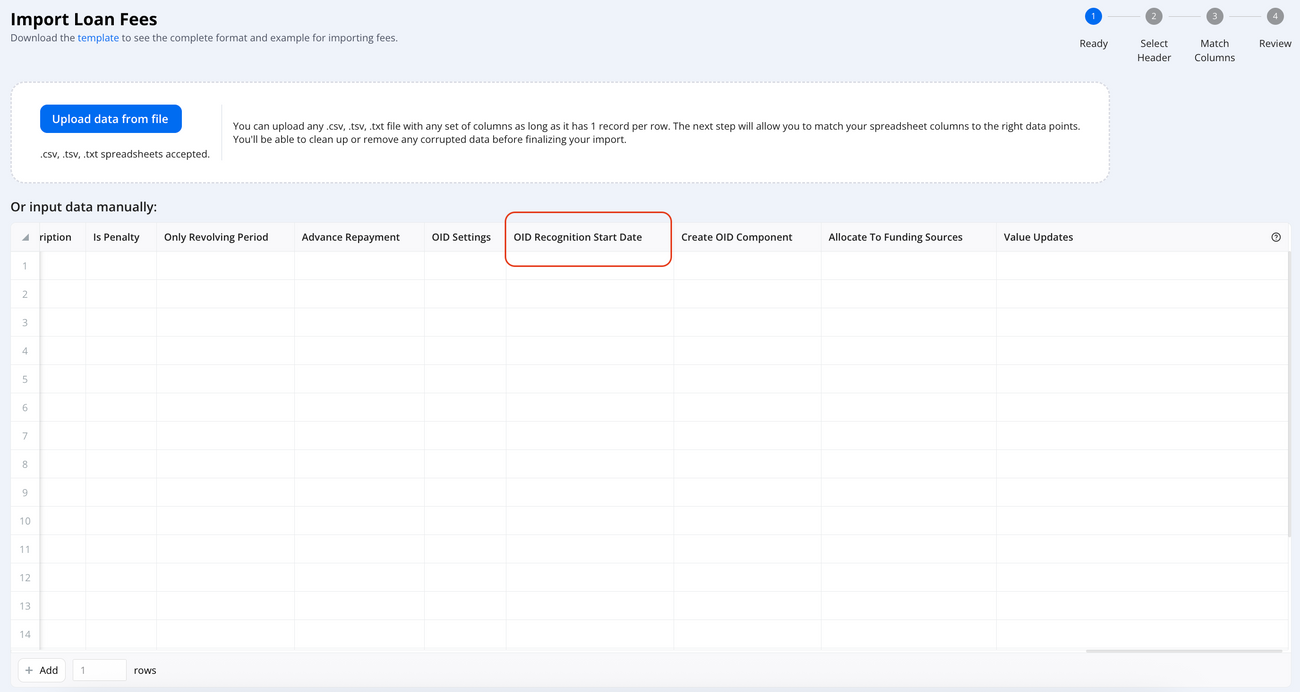
- Loan fee imports now support the OID Recognition Start Date field
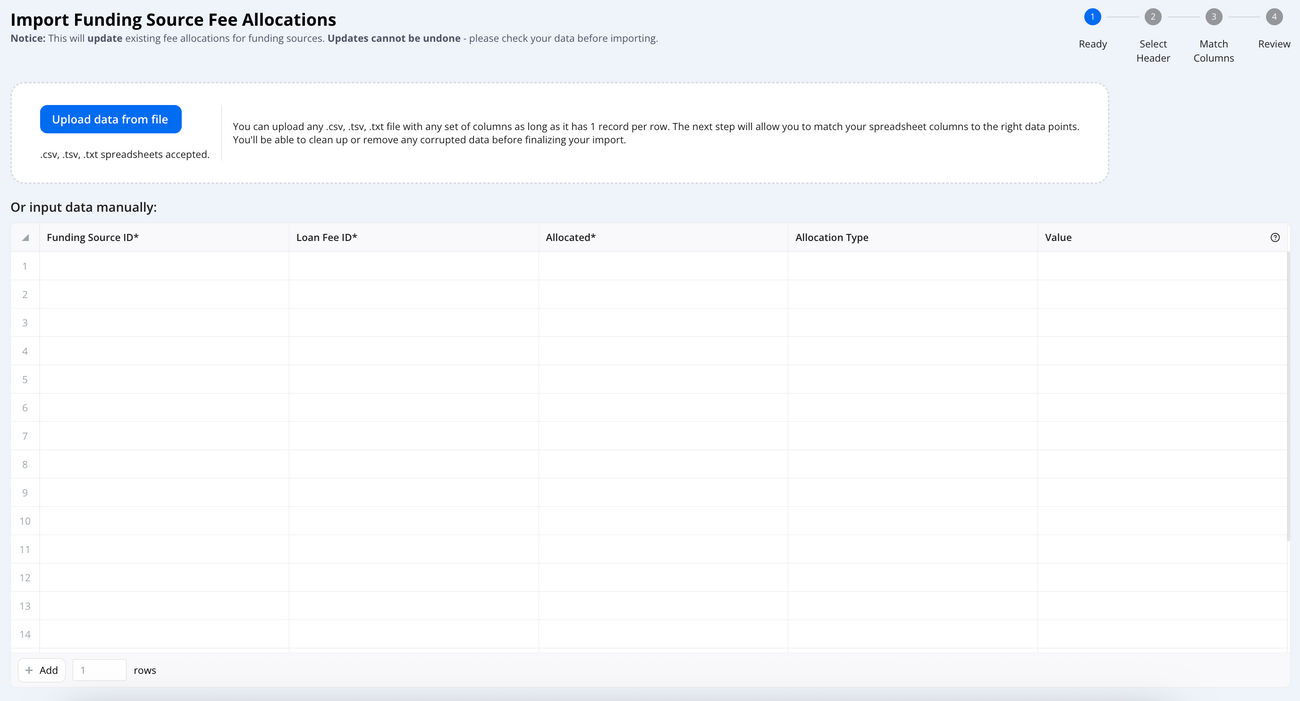
- New: Bulk import for funding source fee allocations You can now bulk import funding source fee allocations using a dedicated import flow, simplifying setup and updates across multiple records.
Faster Search - Funding Sources
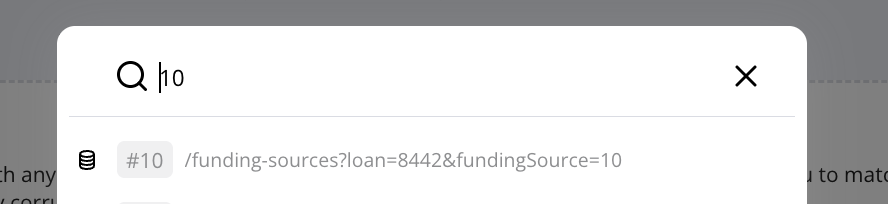
Quick search (Ctrl+K / Command+K) now supports Loan Funding IDs, making it easier to find funding records.
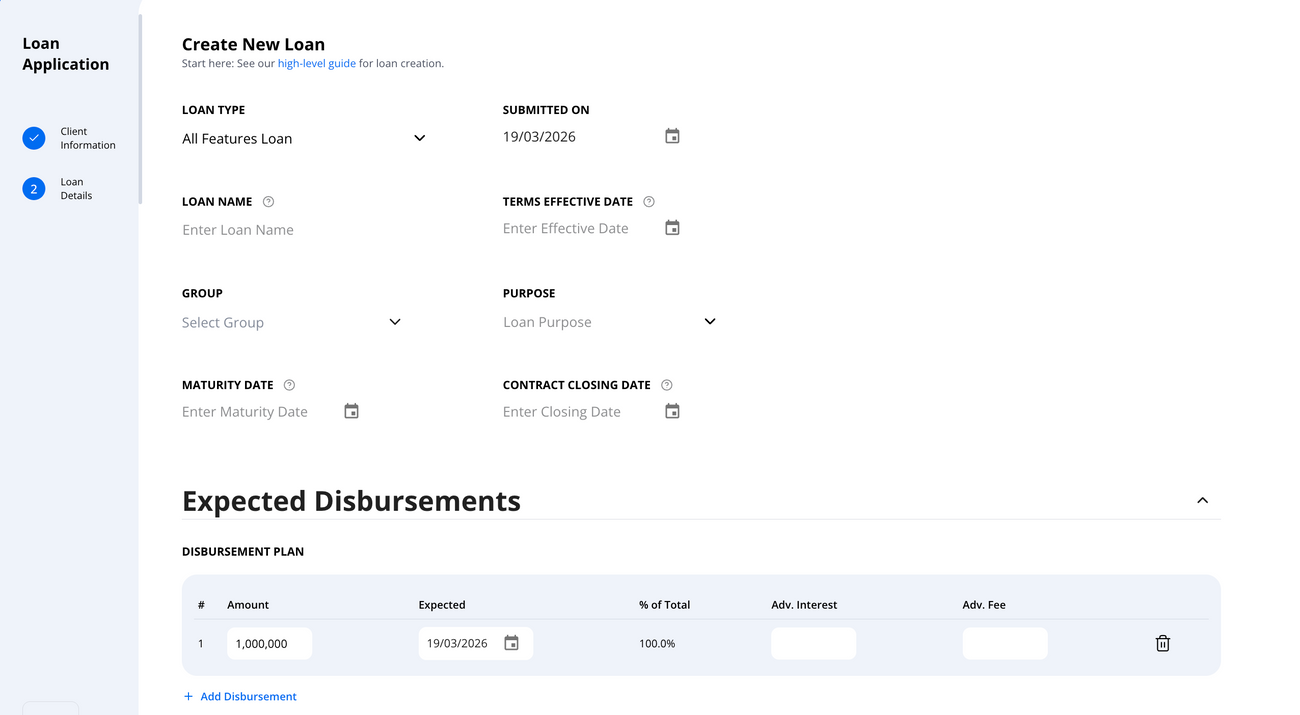
Improved Loan Terms Experience
- “Expected Disbursement” section renamed from "Utilization Assumptions and moved higher for better visibility
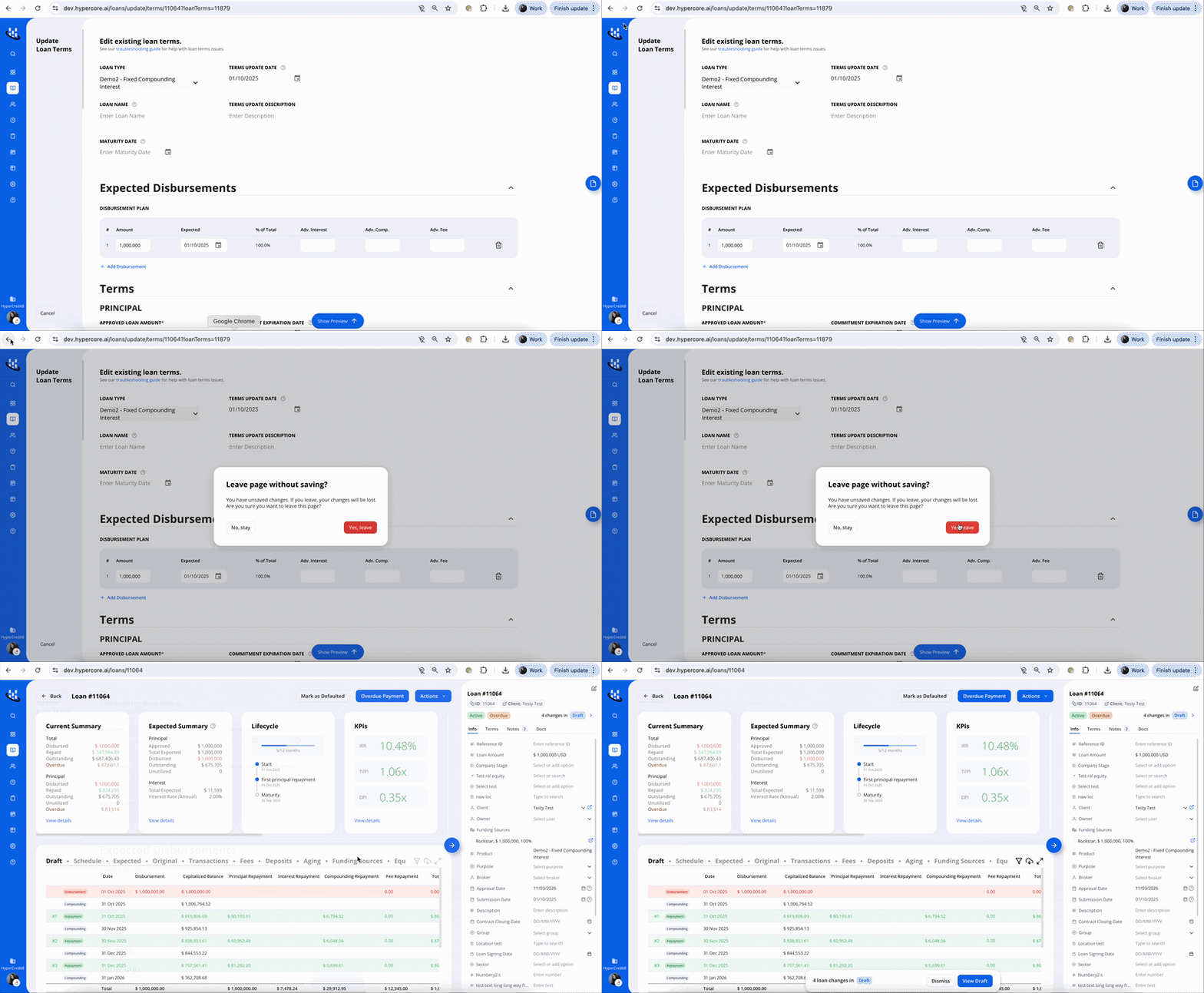
- New warning when leaving unsaved changes to prevent data loss
UI/ UX Changes
- View the number of items in Notes and Docs directly from the indivdual loan page

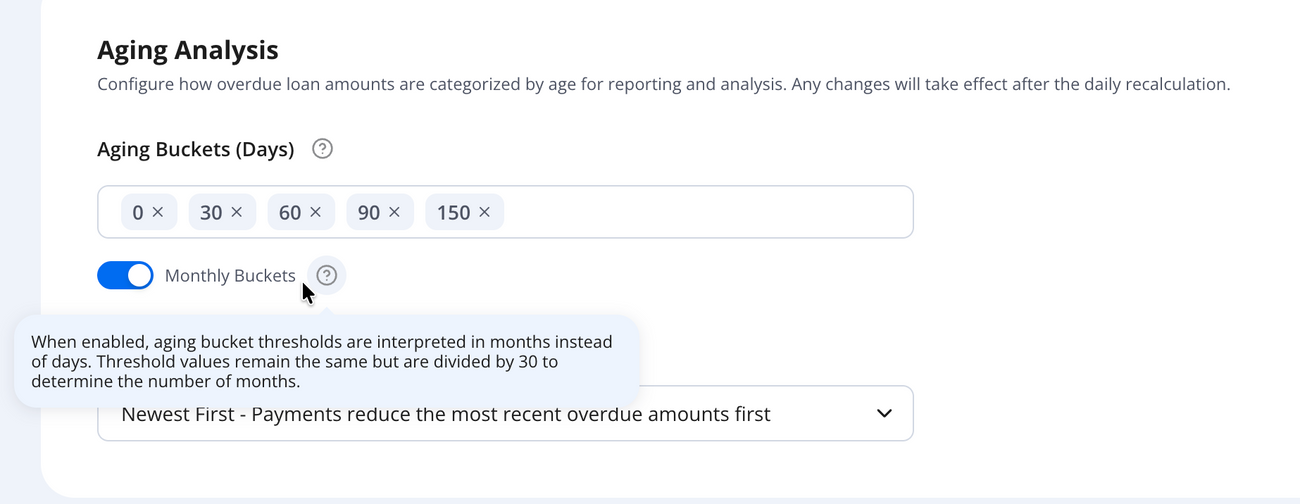
Aging Settings
- Create custom aging buckets by defining day ranges
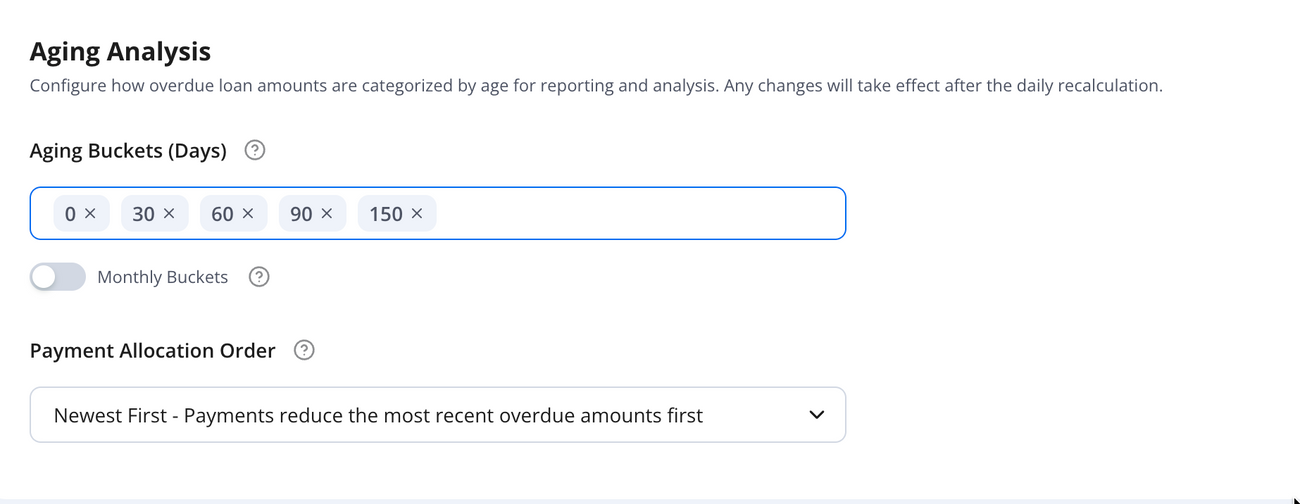
- Option to switch to monthly buckets, allowing aging calculations to be based on months instead of days
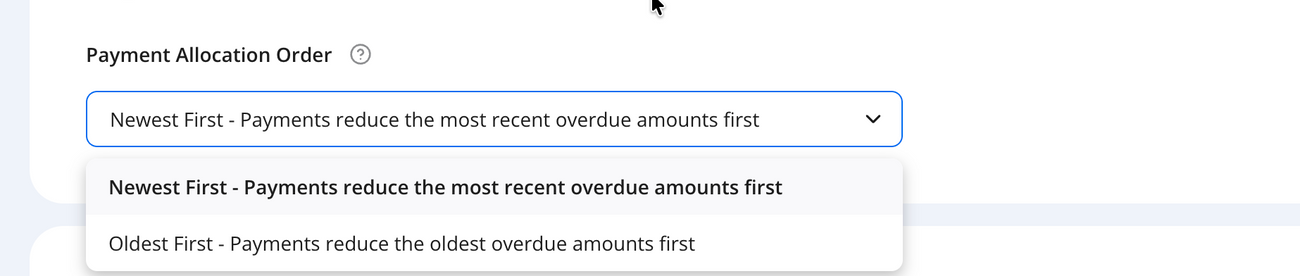
- Choose a payment allocation strategy:
- Newest (LIFO) – applies payments to the most recent outstanding amounts first
- Oldest (FIFO) – applies payments to the oldest outstanding amounts first
For further details see our full aging guide here
Control Layer Modifications
- Change Requests list page:
- Change Request Type column: identifies the type of change (e.g., fee update, terms created)
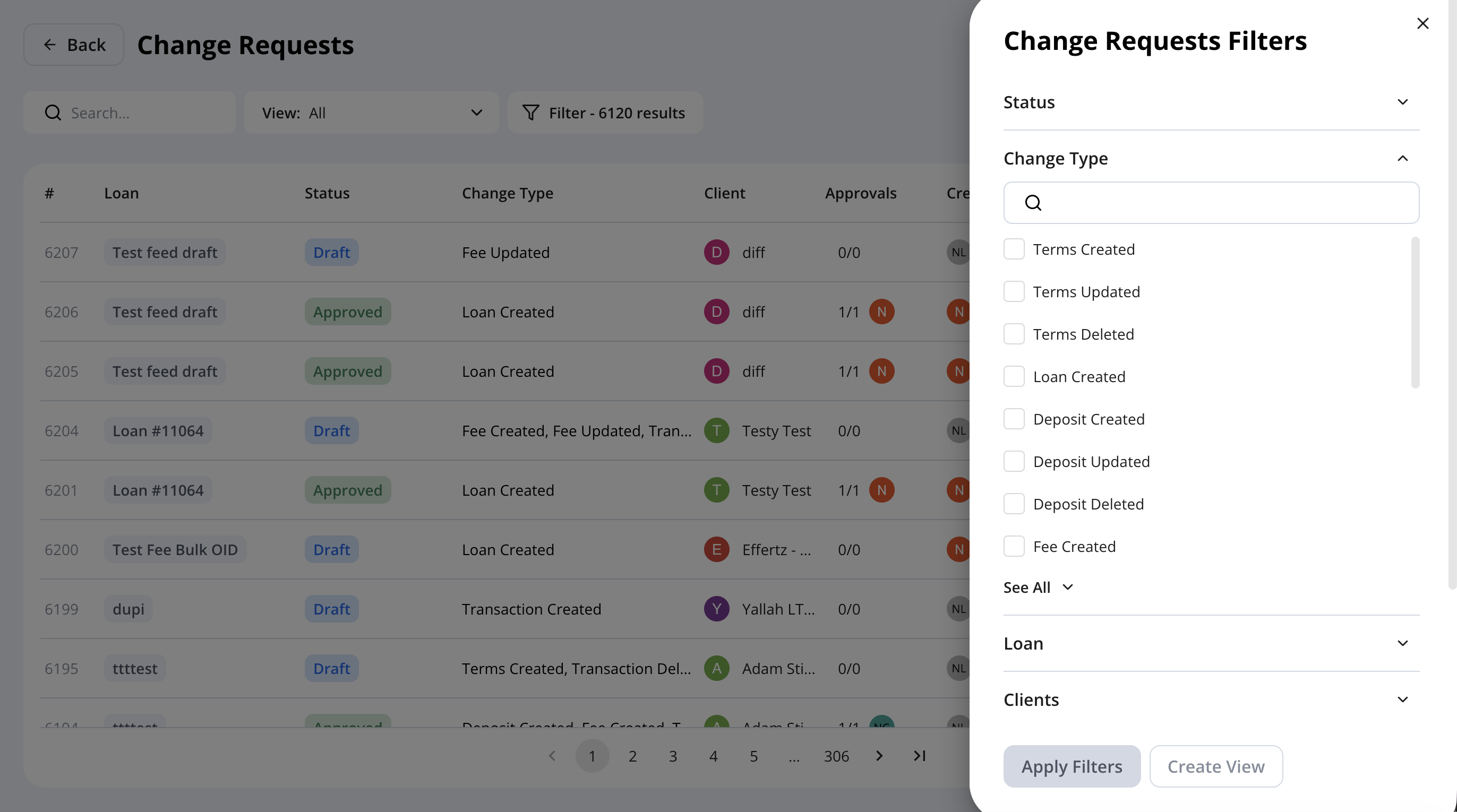
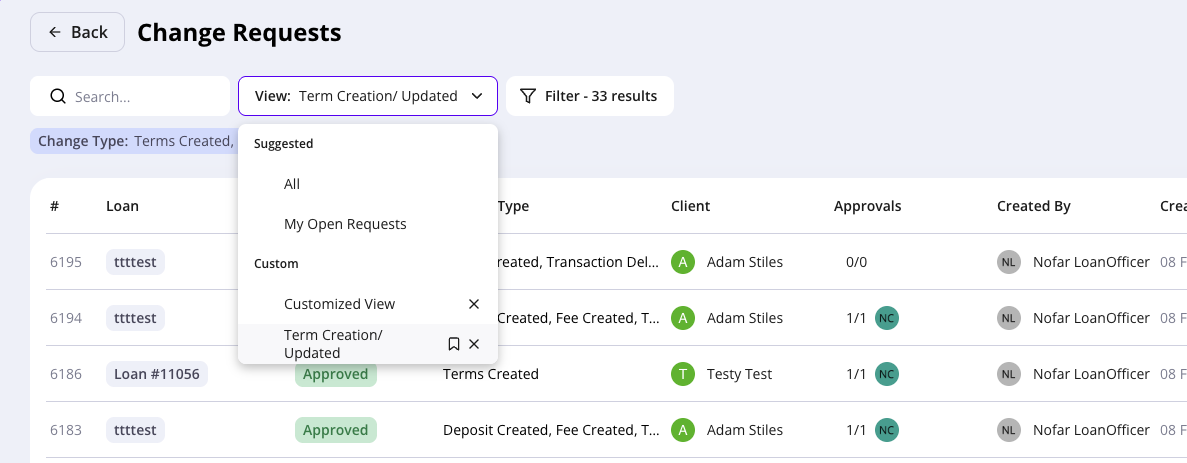
- Change Requests table: now supports filtering and custom views for easier organization
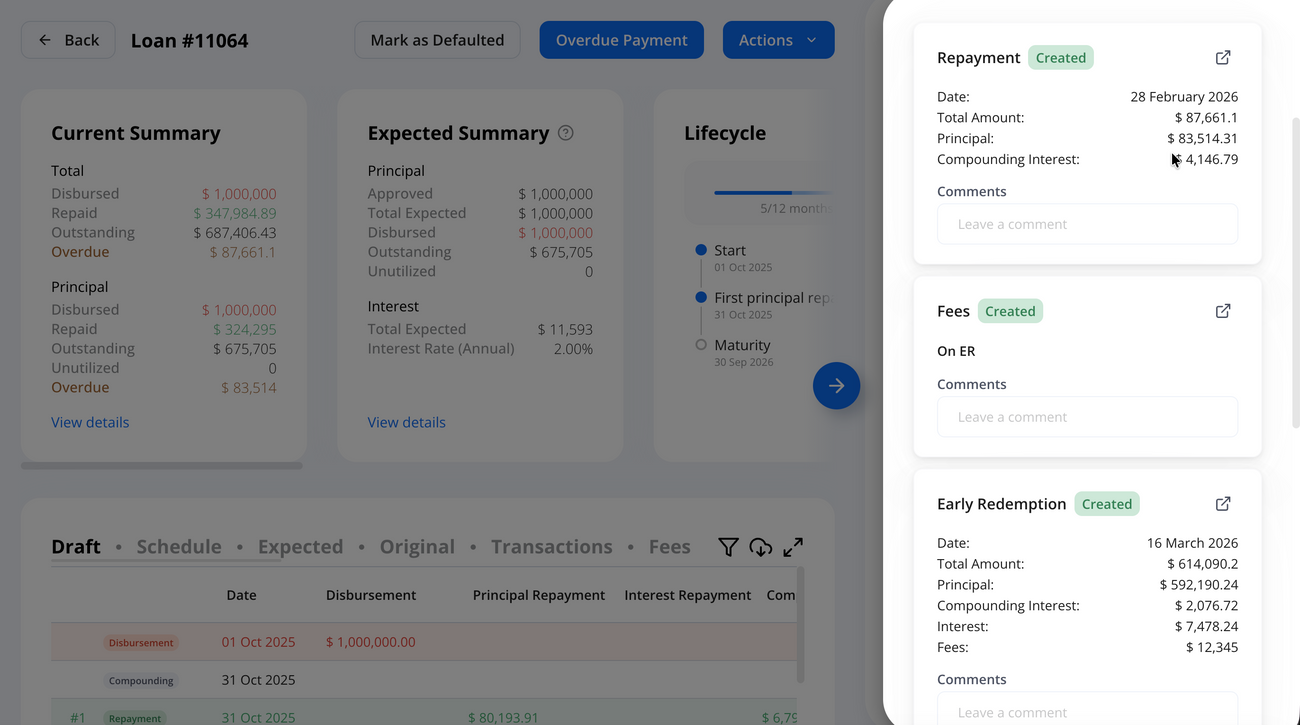
- Support draft schedule actions Make actions such as repayments directly from the draft schedule and apply multiple changes sequentially. Each update is reflected immediately, and future calculations take previous draft changes into account (e.g., make a repayment, then add another - amounts are recalculated based on the updated draft schedule).
Questions or thoughts? Let us know.
Was this article helpful?