Product Updates: February 8th, 2026
Last updated February 8, 2026

Control Layer Changes
Draft Schedule
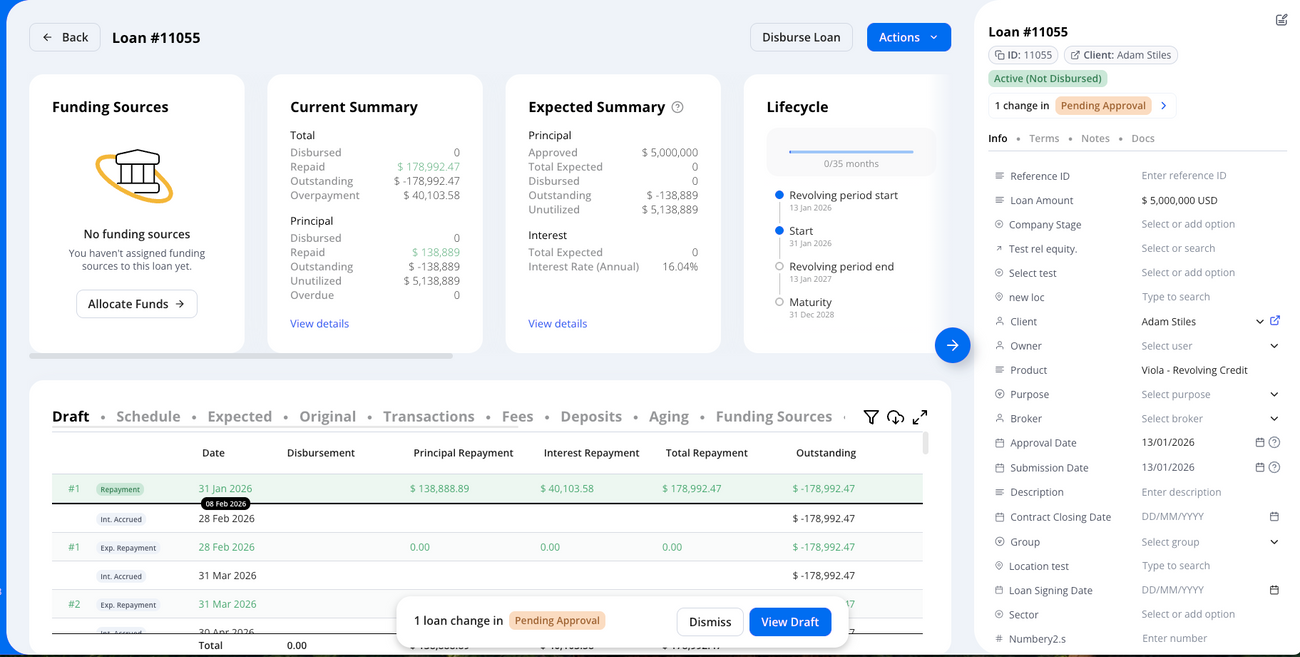
- When operating your instance with the Control Layer enabled, you can now preview the impact of draft changes directly in the Draft schedule.
The Schedule tab continues to show the schedule without draft changes applied, allowing you to compare draft vs. live data.
Request update
- Instead of rejecting a change request, you now have the option to request an update from the maker (initiator).
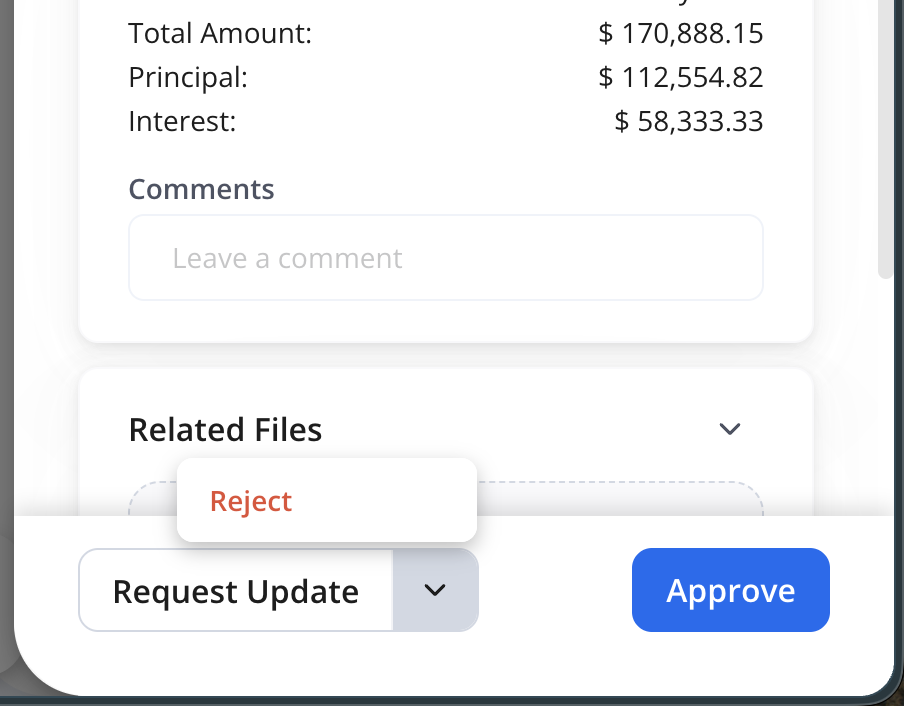
- Checkers can add comments describing the requested changes before clicking Request Update.
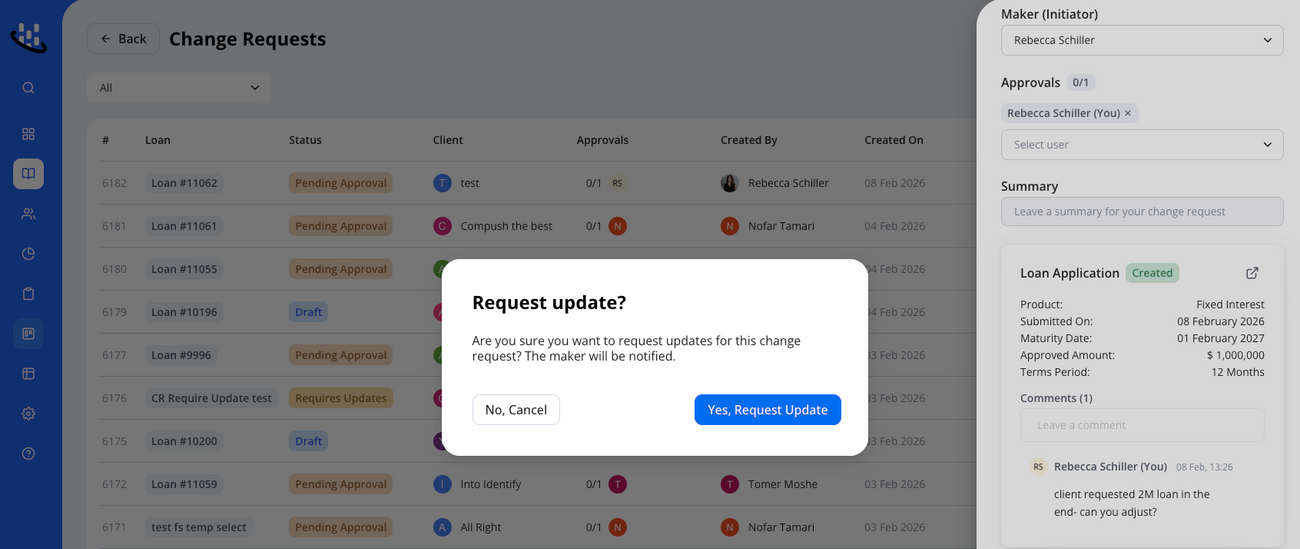
- Once submitted, the request status is updated to Requires Updates and returned to the initiator for revision.

Funding Sources
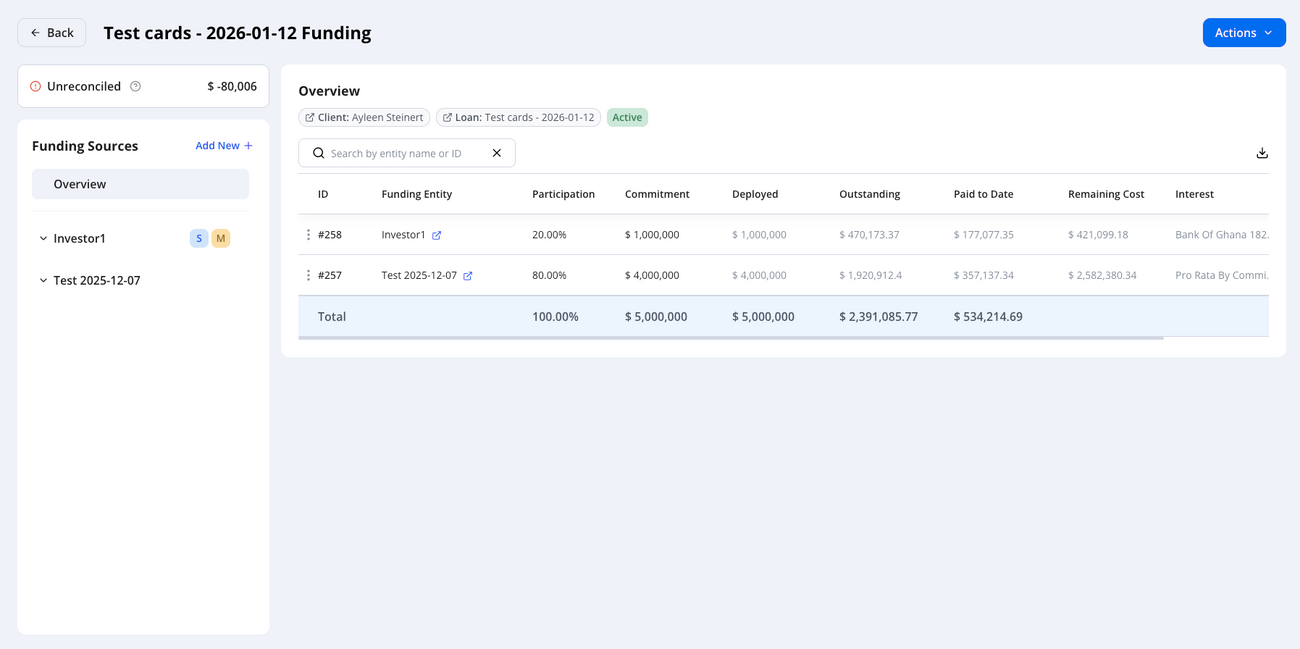
Funding Sources Overview Page
- You can now view an overview of funding source data on a single page.
- See key metrics such as participation, commitment, outstanding, and interest in a single view
- The page is searchable and can be exported as a CSV.
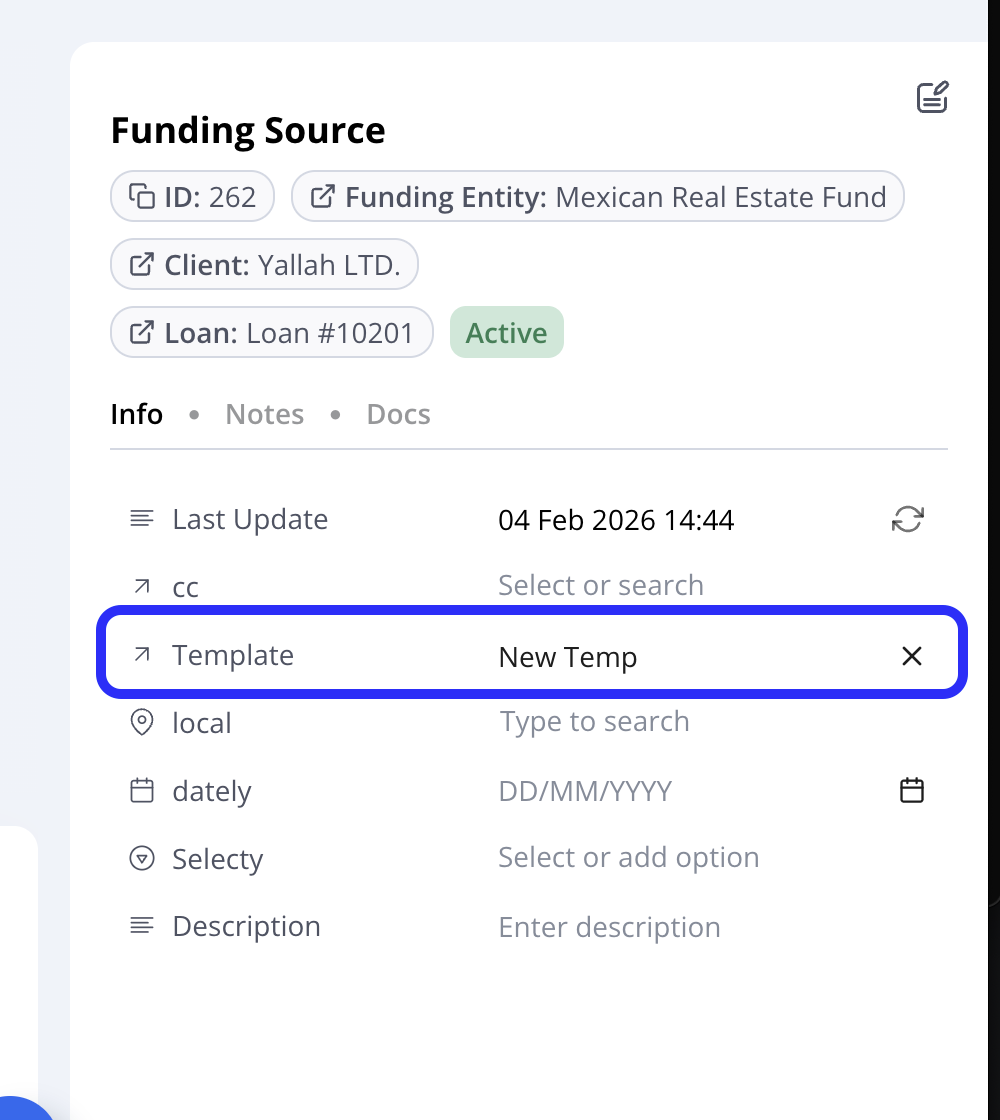
Updated Template selection
- Funding source templates can now be edited and updated.
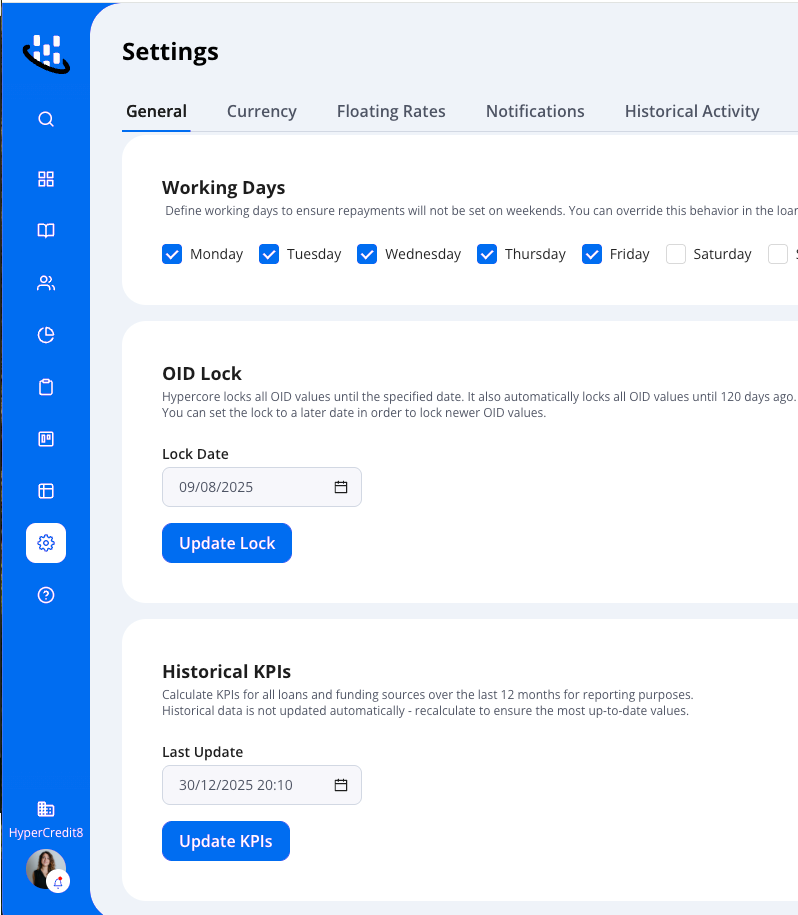
Historical KPIs
Historical KPIs will now be stored daily, improving the reporting capabilities available for KPI tracking and analysis.
Note: Historical KPIs require a manual recalculation if historical data is updated.
Import Enhancements
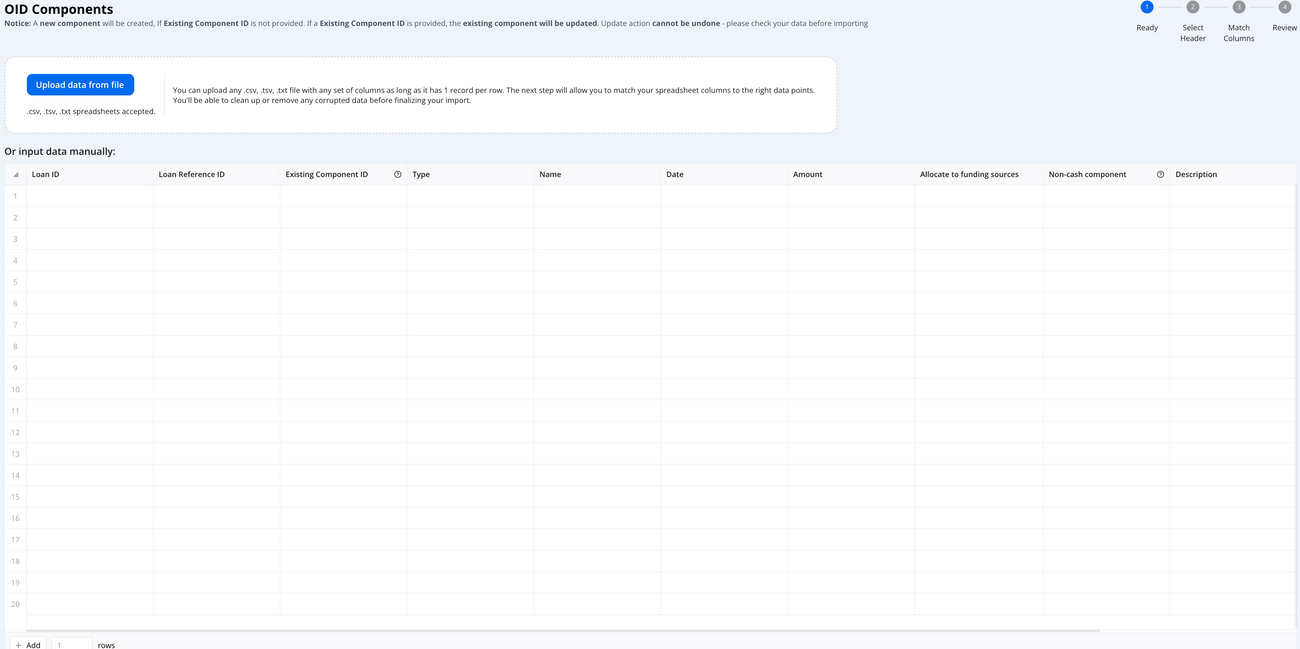
Update Existing Loan OID Components
The OID Components import now supports updating existing OID components in bulk using the OID Component ID.
What this enables:
- Bulk correction or adjustment of existing OID component values
- Streamlined management of yield-related components without manual edits
- More efficient maintenance of loan accounting components at scale
Funding Source Allocation for OID Components
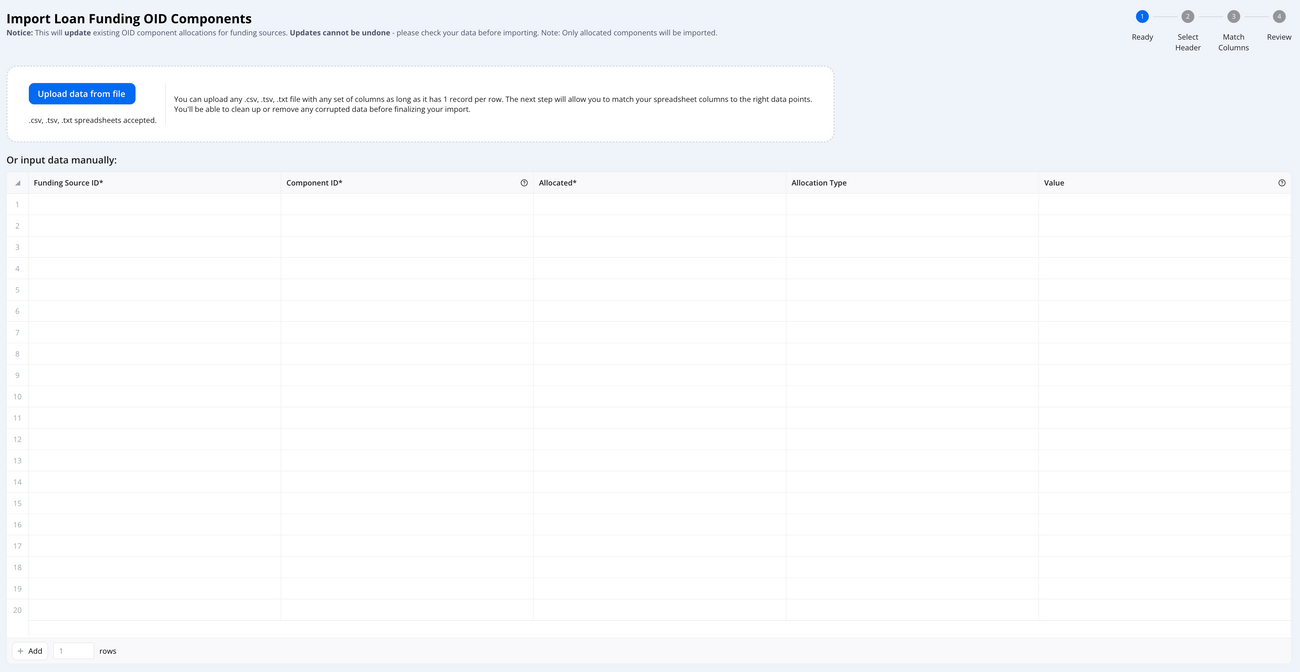
You can now bulk update the funding source allocation of OID components through the import process.
This enhancement allows you to:
- Allocate or remove allocations for multiple funding sources simultaneously
- Select the required allocation method:
- Percentage
- Fixed amount
- Pro-rata by commitment
- Match loan terms
- Define allocation values when applicable (e.g., percentage or fixed amount)
This significantly simplifies the management of OID allocation structures across large portfolios.
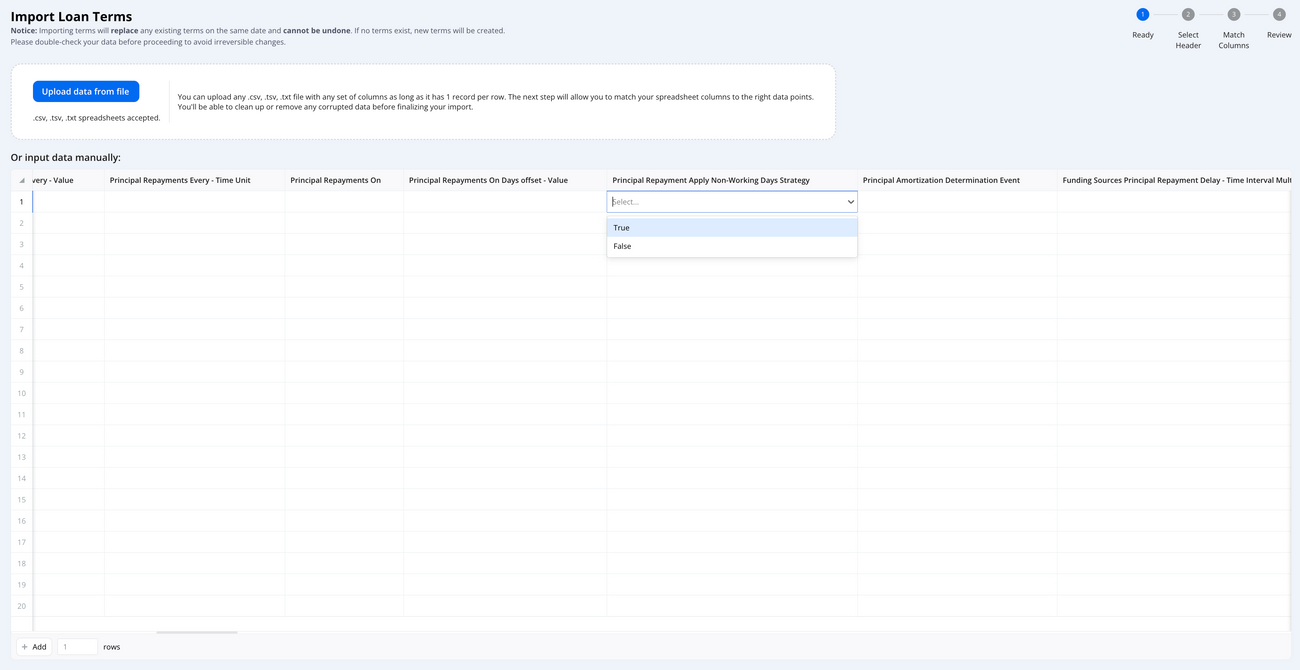
Bulk Actions Update: TRUE / FALSE Boolean Selection
Across all imports, boolean grid fields have been standardized.
What changed:
- Checkbox fields are now represented as TRUE / FALSE selections
- Applies consistently across all import types
Why this matters:
This update improves consistency, reduces formatting issues in CSV uploads, and clearly distinguishes update actions, ensuring more reliable data validation during import processes.